
Control Room · Ops
When to Pause Your Store on Delivery Apps: How to Decide With Data
Pause your delivery store when the kitchen can no longer meet promised prep times and cancellations or late orders are about to spike. The rule of thumb: if projected ticket times exceed your promise by more than 10–15 minutes and the backlog keeps growing, pause. If it's a temporary bump, extend prep time first. If only one dish is the problem, 86 that item instead of closing the whole store.
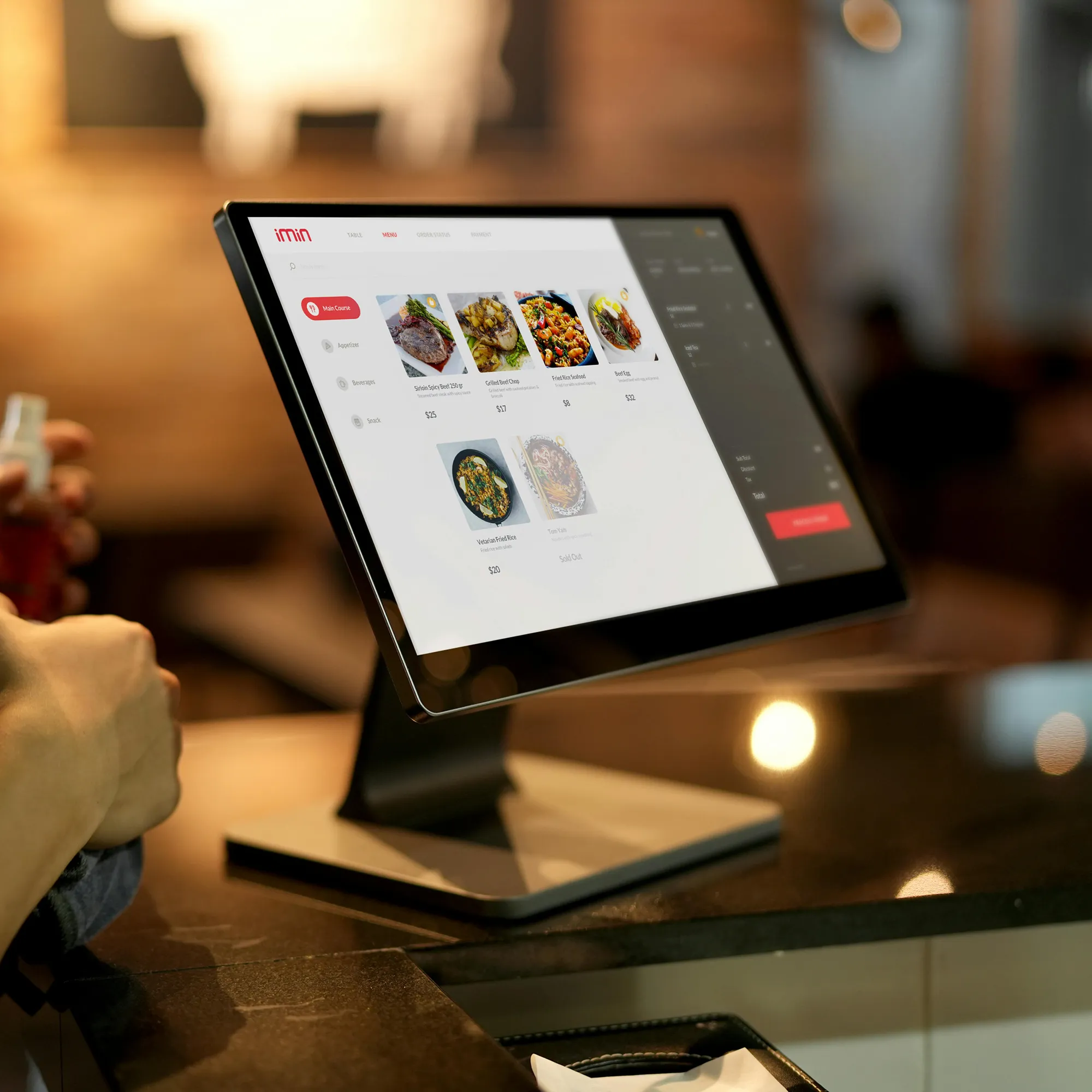
Ops ritual
If the board doesn't fit on one screen, it doesn't get used. Five metrics, owner, threshold, decision.
Every busy shift reaches a point where the kitchen is behind and orders keep landing. The instinct is to push through, but accepting orders you can't cook on time turns into late deliveries, cold food, one-star ratings, and cancellations you eat the cost of. Knowing when to pause your store on delivery apps is an operational decision, not a panic button — and it should be made with numbers, not vibes.
What "pausing" actually protects
Pausing the store means temporarily stopping new incoming orders on a delivery channel while your kitchen catches up. It is one of three levers you have during a slammed shift:
- Pause the store: stop all new orders on that channel or branch.
- Extend prep time: keep taking orders but widen the promised cook window so quotes stay honest.
- 86 an item: disable only the dish that's out of stock or bottlenecking the line.
The goal of all three is the same: keep the promise you make to the customer at checkout. A late or cancelled order damages rating and margin far more than a few minutes of being unavailable.
The decision matrix: pause, extend, or 86
Use projected ticket time against your promised time as the primary trigger. These are practical thresholds you can adopt and adjust per operation:
- Delay under 10 minutes, backlog stable: do nothing yet. Watch the next 10 tickets.
- Delay 10–15 minutes, backlog flat or shrinking: extend prep time. Widen the quote so customers see the real wait before ordering.
- Delay over 15 minutes and backlog growing: pause the store. You can no longer honor the promise, and every new order deepens the hole.
- One dish driving the delay or out of stock: 86 that item, keep the rest of the menu live.
Early-warning signals before it collapses
The best pause is the one you make before the backlog explodes. Watch for these leading indicators:
- Tickets accepted per 15 minutes climbing above your kitchen's proven throughput.
- The oldest open ticket aging past your promise while new ones keep arriving.
- Riders waiting and stacking at the counter.
- Two or three stations already behind at once.
When two of these show up together, extend prep time immediately — you often avoid a full pause entirely.
How long to keep the store paused
Pause in short, deliberate blocks: 10 to 20 minutes is usually enough to clear a backlog. Long, open-ended closures are what actually hurt you — you lose the demand window and drop off customers' feeds. Set a timer, clear the queue to a manageable level, then reopen with an extended prep time as a buffer. Reassess every block instead of guessing a single long shutdown.
Multi-branch: which store do you freeze first?
When several locations are slammed at once, don't pause blindly. Rank them by which one is closest to breaking its promise and hardest to recover:
- Pause first the branch with the largest gap between projected and promised time and a rising cancellation risk.
- Protect branches with high ratings that are only slightly behind — extend prep time there instead.
- Consider revenue exposure: a lower-volume branch pausing costs less demand than freezing your flagship.
Without a single view across locations, this decision usually happens too late, over the phone, one manager at a time. That's the real cost of operating blind — not the app.
Common mistakes when deciding to pause
- Waiting until cancellations already happened. By then the rating hit and refunds are booked. Pausing is preventive.
- Pausing for too long. A 45-minute blackout loses far more than the backlog was worth.
- Closing the whole store for one missing ingredient. 86 the item; keep the menu earning.
- Making it a personal call with no threshold. Different shift leads decide differently, and you can't audit it later.
- Never logging why you paused. Without the reason recorded, you can't fix the recurring bottleneck.
This is where Control Room fits. Control Room is the operational control desk over your restaurant's delivery: live ticket times per branch, backlog alerts before the kitchen collapses, and a shared view so you know exactly which store to pause, extend, or reopen — without a chain of phone calls. Want to run your shifts with data instead of instinct? Talk to us on WhatsApp.
From signal to playbook
A threshold is only useful if the whole team acts on it the same way. Turn your matrix into a shift ritual: post the trigger numbers where the line can see them, name who calls the pause, and review at the next standup what caused each closure. Over a few weeks the pattern becomes obvious — a specific dish, a specific hour, a specific station — and you shift from reacting mid-shift to fixing the root cause. That's the difference between pausing to survive and pausing to protect experience and margin on purpose.
Frequently asked questions
Does pausing the store hurt my ranking or visibility on the app?
Short, controlled pauses generally have far less impact than a wave of late or cancelled orders, which directly damage rating and reliability metrics. Keep pauses brief — 10 to 20 minutes — and reopen promptly to protect both your ranking and your customers' experience.
What's worse: pausing or letting in orders I'll end up cancelling?
Cancelling is almost always worse. A cancelled order means a disappointed customer, a likely bad rating, and often a refund you absorb. A short pause simply delays demand without breaking the promise you made at checkout.
When should I extend prep time instead of pausing?
Extend prep time when the delay is moderate — roughly 10 to 15 minutes — and the backlog is flat or shrinking. Widening the quote keeps orders flowing with honest wait times. Pause only when the delay exceeds your promise by more than 15 minutes and the queue keeps growing.
How do I decide which branch to pause when several are slammed?
Rank branches by the gap between projected and promised time and by cancellation risk. Pause the one closest to breaking its promise and hardest to recover first, and extend prep time at high-rated branches that are only slightly behind.
How long should the store stay paused?
Pause in short blocks of 10 to 20 minutes, clear the backlog to a manageable level, then reopen with an extended prep time as a buffer. Avoid long open-ended closures — they cost you the demand window and drop you off customers' feeds.
Should I pause for a stockout or just 86 the item?
If only one dish is out of stock or bottlenecking the line, disable that item and keep the rest of the menu live. Reserve a full store pause for when the whole kitchen can no longer meet promised times.
Want clear visibility on your delivery?
Message us on WhatsApp. We'll review what's breaking multi-location rhythm and what to fix first.
Message on WhatsApp