
Control Room · Ops
Store Offline Time on Delivery Apps: How to Measure It and What It Costs per Location
Store offline time is the number of minutes a location is not accepting orders on a delivery app during its scheduled open hours. It belongs to the restaurant as an operational KPI, not to the platform. Measure it by logging offline-to-online events per location and per time slot, then price the loss with a simple formula: minutes offline ÷ 60 × orders per hour × average ticket. That turns a silent gap into a number you can defend in a standup.
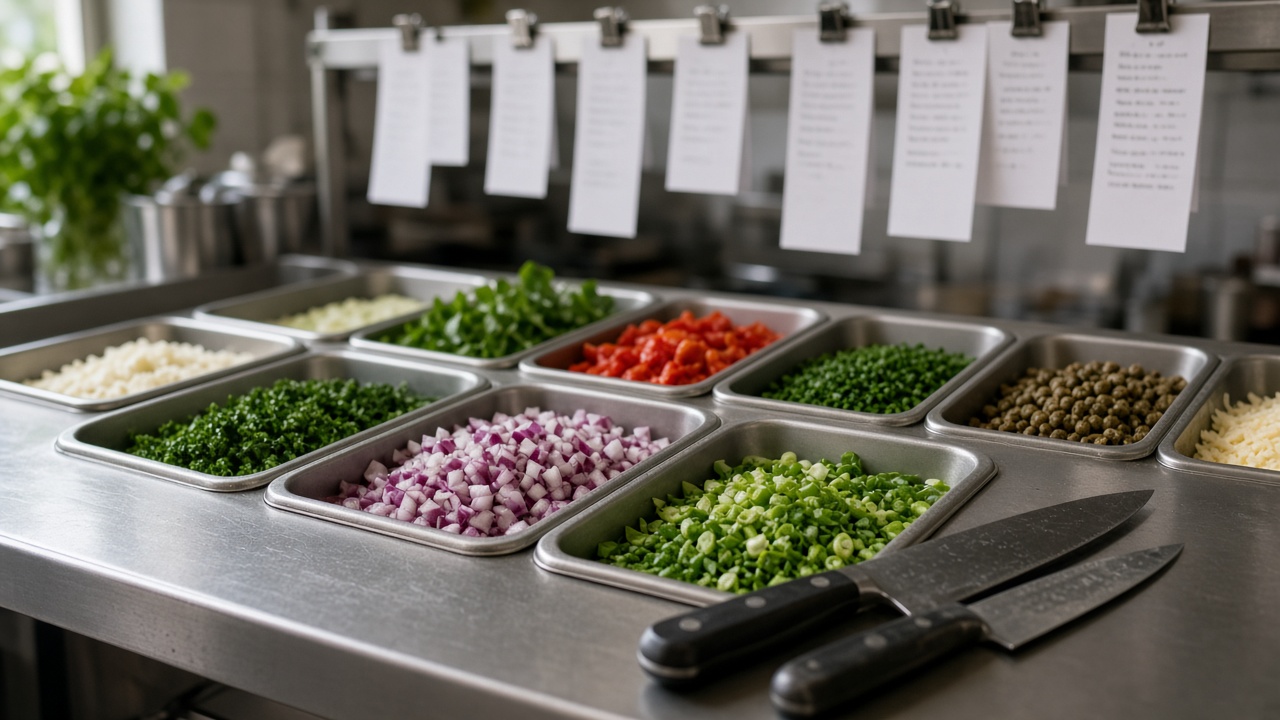
Ops ritual
If the board doesn't fit on one screen, it doesn't get used. Five metrics, owner, threshold, decision.
A location can look open on the street and still be invisible on a delivery app. When that happens during peak hours, orders don't arrive and nobody files a complaint — they just order from someone else. Store offline time is one of the few KPIs that costs you money while producing zero signal, which is exactly why it needs to be measured, named, and priced per location.
What store offline time is (and why it's your KPI, not the app's)
Store offline time is the total minutes a location is unable to receive orders on a delivery channel while it is scheduled to be open. The opposite is uptime: the share of scheduled hours the store was actually accepting orders. If a location is scheduled open 12 hours and spent 48 minutes offline, its uptime is roughly 93.3%.
The app is the demand channel. Whether an order arrives depends on connection, device, staffing and how the store was configured — all of which the restaurant controls. Treating offline time as "the app's fault" guarantees it keeps happening. Treating it as an owned operational metric means someone reviews it, owns it, and fixes the cause.
The four causes of offline time (a taxonomy you can act on)
Not all offline time is the same. Lumping it together hides the fix. These are the four causes worth separating per location:
1. Involuntary offline (connection or device)
The tablet lost Wi-Fi, the printer died, the app logged out, or the device battery drained. The store wants orders and can't get them. Playbook: dedicated router or 4G backup for the order device, charger always plugged in, and a morning device check before the first slot. Alert: any location offline for more than 5 minutes inside open hours.
2. Manual pause without reopening
A shift got slammed, someone paused incoming orders to catch up — and then forgot to turn it back on. This is the most common and most avoidable cause. Playbook: every pause gets a timer and a named owner; no pause is "until further notice." Alert: any store paused longer than 15 minutes, escalating to the shift lead.
3. Phantom closure (bad hours configuration)
The schedule loaded on the app doesn't match real operating hours — a holiday never updated, a slot ending at 23:00 instead of 00:00, or a location set to a timezone that shifts the window. The store is physically open and silently closed online. Playbook: audit configured hours against real hours monthly and after every holiday. Alert: store shows closed while POS or staff indicate it's open.
4. Auto-pause from saturation
The app auto-pauses the store because prep times blew out or too many orders were rejected. This one is a real operational signal — the kitchen can't keep up. Playbook: don't just reopen; adjust prep times, trim the menu during the peak, or add a hand. Alert: auto-pause triggered more than twice in one shift at the same location.

From data to action: what one offline minute costs
Offline time only moves people when it's in money. Use this formula per location and per time slot:
Lost revenue = (minutes offline ÷ 60) × orders per hour in that slot × average ticket
Worked example: a location that normally does 12 orders/hour with a $18 average ticket goes offline for 40 minutes during Friday dinner. That's (40 ÷ 60) × 12 × 18 = roughly $144 in one gap. Multiply by how often it repeats across a month and across locations and the number stops being abstract.
Two refinements make it honest:
- Use the orders/hour for that specific slot, not a daily average — peak gaps cost far more than off-peak ones.
- Don't double-count demand that shifted to another of your own locations; estimate net loss, not gross.
How to compare availability across locations
With volume, you can't watch every tablet. The point of measuring is ranking, not perfection. For multi-location delivery, track three columns per store, per week:
- Uptime % during scheduled hours — the headline number.
- Offline minutes in peak slots — because that's where the money is.
- Offline minutes by cause — so you fix the right thing (a connection problem and a forgotten pause have different owners).
Ranked side by side, patterns surface fast: one location with chronic manual pauses needs a shift-handoff fix, another with recurring phantom closures needs a config audit. That's comparison without the endless spreadsheet.
Common mistakes
- Only counting full outages. Ten-minute gaps repeated across a peak add up to more than one visible crash.
- Blaming the platform. It feels better and fixes nothing. The four causes above are all restaurant-side.
- Measuring daily averages. Averages hide the peak-hour losses that actually matter.
- No named owner. If no one owns reopening the store, it stays paused.
Control Room is the operational control table for multi-location delivery: it watches store offline time per location and per slot, fires the alerts above when a store drops during peak, and turns minutes offline into a loss figure your shift leads can act on. Want to stop operating blind across locations? Talk to us on WhatsApp.
Frequently asked questions
Why does my restaurant show as closed on the app when it's open?
Usually one of three reasons: the order device lost connection or logged out, someone paused orders and never reopened, or the configured hours don't match real operating hours. All three are restaurant-side and fixable — start by checking the device and the loaded schedule for that location.
How do I know how long each location was offline?
Log every offline-to-online event per location against its scheduled open hours, then total the minutes by day and by time slot. Uptime % is online minutes divided by scheduled minutes. A control layer over your delivery channels automates this so you don't reconstruct it by hand.
How many orders are lost when a store is paused?
Estimate it with minutes offline ÷ 60 × orders per hour in that slot × average ticket. A store doing 12 orders/hour at an $18 ticket that's down 40 minutes at peak loses about $144 in one gap — use the slot's real order rate, not a daily average.
What's the difference between a manual pause, a connection outage, and a bad schedule?
A manual pause is staff deliberately stopping orders (and often forgetting to reopen). A connection outage is involuntary — device, Wi-Fi or printer failure. A bad schedule is a phantom closure: hours loaded on the app don't match real hours, so the store looks closed while physically open. Each needs a different fix.
How do I compare availability across locations?
Track uptime %, offline minutes in peak slots, and offline minutes by cause for each store, weekly. Ranked side by side, you see which location needs a shift-handoff fix versus a hours-config audit — comparison without a sprawling spreadsheet.
What alert should fire when a store goes down during peak?
Any location offline for more than 5 minutes inside open hours, escalating faster during peak slots, plus a separate alert for any pause longer than 15 minutes. Auto-pauses from saturation should alert after the second trigger in one shift, since that signals the kitchen — not the app — needs attention.
Want clear visibility on your delivery?
Message us on WhatsApp. We'll review what's breaking multi-location rhythm and what to fix first.
Message on WhatsApp