
Control Room · Ops
How to Set Alert Thresholds for Multi-Location Delivery (and Avoid Alert Fatigue)
To set alert thresholds for multi-location delivery, use a three-layer rule: (1) an absolute safety floor that never moves (e.g. any location with a cancellation rate above 8% in a shift), (2) a relative threshold tied to each location's own historical baseline (e.g. prep time 40% over that store's 4-week average), and (3) a priority rule for when several stores trip at once. The guiding principle is one alert = one owned action: if nobody acts on it, it shouldn't fire.
Ops ritual
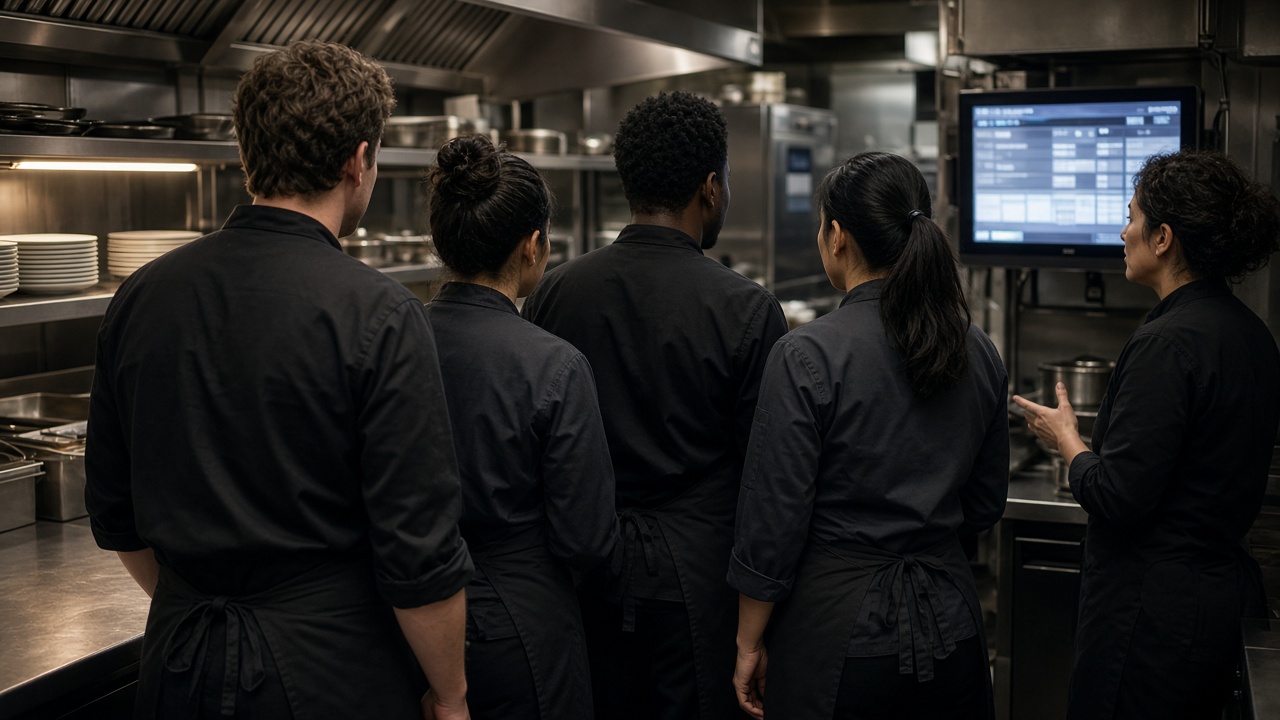
If the board doesn't fit on one screen, it doesn't get used. Five metrics, owner, threshold, decision.
In a single restaurant, you feel when the kitchen falls behind. Across six, eight or twenty locations, you only know what your alerts tell you — and badly calibrated alerts are worse than none. If every delayed order, every one-off cancellation and every rating dip pings the same channel, the team learns to ignore all of them. That's alert fatigue, and it's an operational failure in itself, not a notification setting.
Why alert fatigue is an operations problem, not a tech one
Alert fatigue is what happens when the volume of alerts exceeds the team's capacity to act on them, so people start muting, skimming or ignoring the channel. The dangerous part isn't the noise — it's that the one alert that mattered (a store bleeding cancellations mid-rush) gets buried with fifty that didn't.
Most multi-location setups don't have a data problem; they have a threshold problem. They fire on absolute numbers that ignore each store's reality, or they send everything to one group chat with no owner. The result is predictable: notifications get silenced, and the operation goes back to flying blind — just with a false sense of coverage.
The fix is calibration, not more dashboards. Every alert should answer three questions before it fires: Is this actually abnormal? Who owns the response? What do they do in the next 15 minutes?
The three-layer calibration method
Instead of one threshold trying to do everything, split the job into three layers. Each layer catches a different kind of problem.
Layer 1: the absolute safety floor
This is a hard line that never moves and never gets debated, because crossing it means something is broken regardless of context. It's your minimum safety net.
- Prep time: any order sitting unconfirmed or unprepared past ~20–25 minutes during a normal shift. Below that you're measuring normal variance; above it the customer is already feeling it.
- Cancellations: a store-level cancellation rate above ~8% in a single shift. One or two cancellations is life; a sustained rate is a signal (stockouts, a device off, a station down).
- Rating: a daily or rolling rating that drops below your platform's visibility or auto-pause threshold — the point where the apps themselves start deprioritizing the store. That's your non-negotiable floor.
The safety floor is deliberately conservative: it should fire rarely, but when it does, everyone drops what they're doing.
Layer 2: the relative threshold per location
A fixed number lies to you across different stores. A 35-minute prep time might be normal for a high-volume flagship at peak and a disaster for a quiet satellite location. So the second layer compares each store against its own history.
- Pull each location's 4-week baseline for prep time, cancellation rate and acceptance time, segmented by daypart (lunch vs dinner vs late-night behave differently).
- Set the alert at a relative deviation, e.g. prep time running 40% above that store's own average for its current daypart, or cancellations at double the store's typical rate.
- Recalculate baselines monthly so a new normal doesn't quietly become invisible.
This is the layer that catches the stores drifting before they hit the safety floor — the early warning that lets you act while it's still cheap.
Layer 3: the priority rule when several fire at once
On a bad Friday, five stores can trip at the same time and your team can't chase all five. Layer three decides the order of attention so nobody freezes.
Rank concurrent alerts by a simple combination: impact × reversibility. Prioritize the store that is (a) losing the most orders per minute, and (b) still recoverable right now. A store already paused is lower priority than one actively accepting orders it can't fulfill. In practice:
- First: high-volume store, actively accepting, prep time climbing — you can still save the shift.
- Second: cancellations spiking at a mid-volume store — likely a fixable cause (stock, device, staffing).
- Last: rating dips and low-volume stores — real, but they can wait 30 minutes.

The rule that ties it together: one alert = one owned action
An alert without an owner and a next step is just anxiety. Before any threshold goes live, write down who receives it, what they check first, and what they do. If you can't name the action, it's not an alert — it's a report, and reports belong in a weekly review, not a live channel.
This single rule kills most of your fatigue. It forces you to delete alerts that have no response attached, which is usually half of them.
Common mistakes that create the noise
- One threshold for every store. It over-alerts the busy locations and under-alerts the quiet ones that are actually struggling.
- Alerting on raw events instead of rates. "A cancellation happened" is noise; "cancellations at 3x baseline this shift" is signal.
- No daypart segmentation. Peak-hour math applied to off-peak fires constantly and trains the team to ignore it.
- Everything in one channel with no owner. When it's everyone's job, it's no one's.
- Never recalibrating. Thresholds set once in January are meaningless by June. Review them monthly.
- Blaming the platform. A spike in cancellations or a rating dip is operational data, not a verdict on the app. The apps are your demand channel; the lever you control is the kitchen, the staffing and the device.
Control Room is Pimentón's operational control table for multi-location delivery: it watches prep times, cancellations, stock and ratings across every store, applies per-location relative thresholds, and surfaces alerts in priority order so your team acts on what matters instead of drowning in pings. Want help calibrating your own three-layer thresholds? Message us on WhatsApp.
How to roll it out without a big project
Start narrow. Pick one metric — prep time is the usual winner — and set only the absolute floor across all stores for two weeks. Then add the relative layer per location once you have clean baselines. Add the priority rule last, when you've seen a real multi-store pileup and know how your team actually responds. By the time all three layers are live, each alert that fires will already have an owner and an action, and the channel will mean something again.
Frequently asked questions
At what prep-time minute should an alert fire?
A good absolute safety floor is around 20–25 minutes for an unprepared order during a normal shift — past that the customer already feels it. On top of that, use a relative alert at roughly 40% over each store's own average for the current daypart, so a busy flagship and a quiet satellite aren't judged by the same number.
Should a threshold be the same for every location or adjusted per store?
Use both. Keep one absolute safety floor identical across all stores for the non-negotiables (severe delays, high cancellation rates, rating below the app's visibility line). Then layer a relative threshold tied to each location's own 4-week baseline, because the same raw number means different things at a high-volume store versus a small one.
How many alerts per shift are too many?
If the team can't act on every alert it receives, you have too many. A practical test is whether each fired alert gets an owned action within the shift — if alerts are being skimmed, muted or batch-dismissed, the thresholds are too loose and need recalibrating, not more staff.
What is alert fatigue and how does it affect operations?
Alert fatigue is when the volume of alerts exceeds the team's capacity to act, so people start ignoring the channel. The real cost isn't the noise — it's that the one critical alert gets buried, and the operation goes back to running blind while believing it's covered.
Fixed thresholds or relative to the store's historical average?
Use both in layers. Fixed thresholds set your minimum safety floor that never moves. Relative thresholds, tied to each store's rolling baseline by daypart, catch locations drifting before they hit the floor. Recalculate the baselines monthly so a worsening 'new normal' doesn't quietly become invisible.
Want clear visibility on your delivery?
Message us on WhatsApp. We'll review what's breaking multi-location rhythm and what to fix first.
Message on WhatsApp